

You want to move quickly this holiday season and turn seasonal demand into measurable results. With Taskade Genesis you can prototype and launch AI-native business apps, dashboards, and automations from a single prompt so you spend less time wiring tools and more time optimizing campaigns.
This matters because holiday windows are short: faster development and real-time integrations let you respond to spikes, reduce manual work, and deliver better customer experiences.
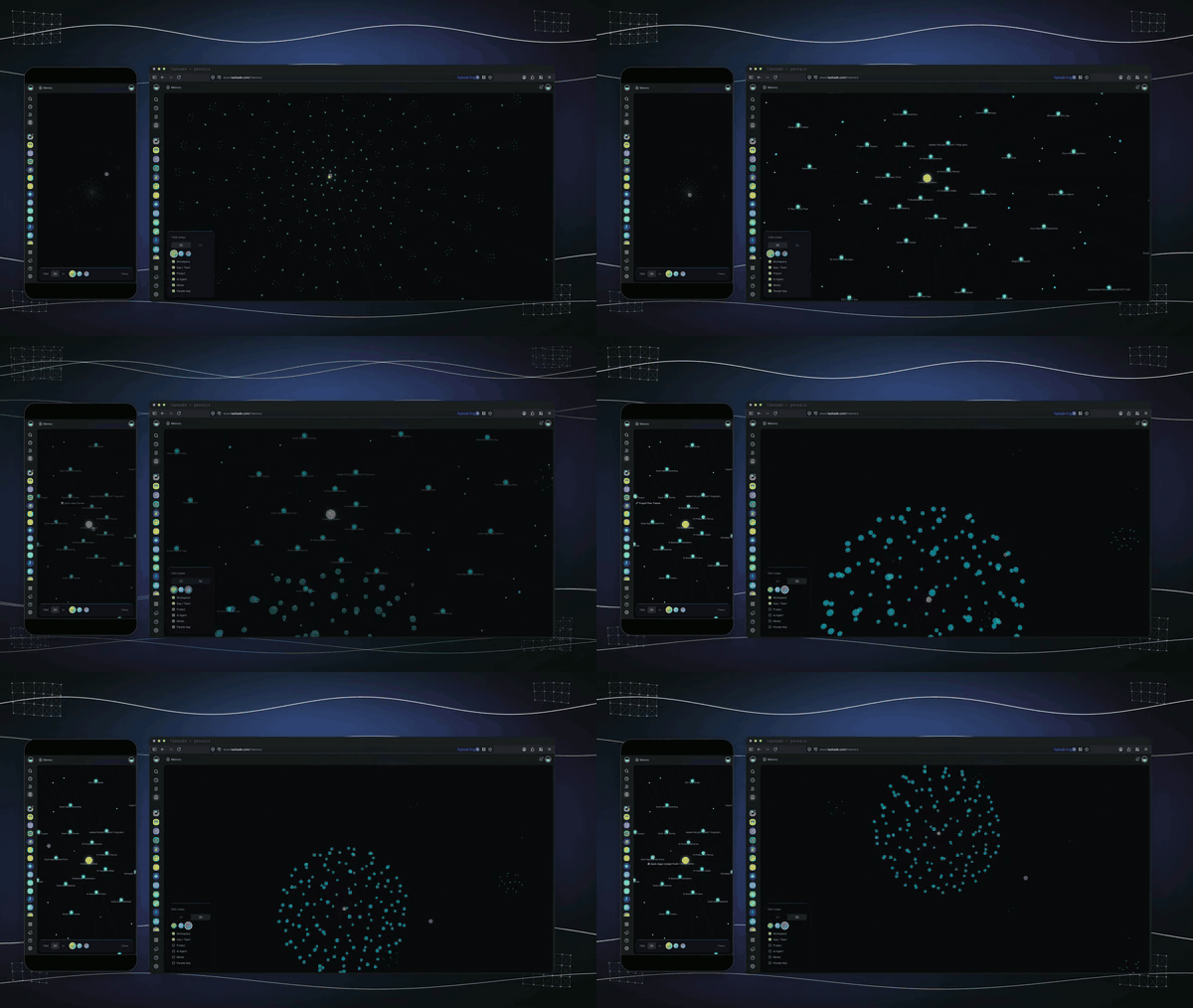
You can treat Taskade Genesis like a creative workbench for building useful business apps without getting bogged down in code. It turns a prompt into a living workspace where you assemble dashboards, portals, CRMs, and lightweight internal tools that connect to live data and common services. For everyday use you might set up a task-driven CRM, automate repetitive workflows, or create a team dashboard to track orders and support tickets. For the holidays you can prototype campaign portals, automate seasonal fulfilment steps, and spin up customer-facing tools that reflect last-minute promos.
If you want something that helps you move fast, keeps everything in one place, and still feels approachable for non-engineers, Taskade is worth trying.
|
Pros |
Cons |
|---|---|
|
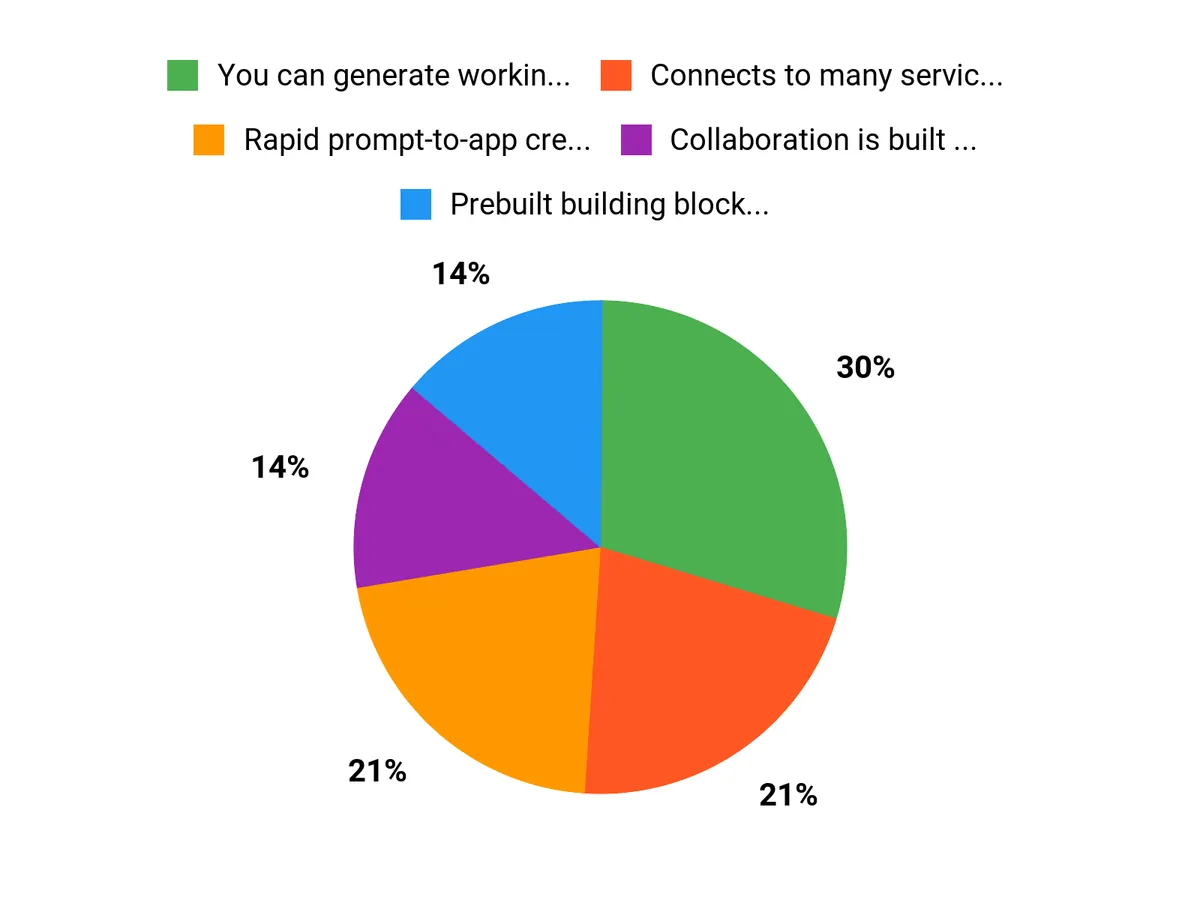
✅ You can generate working apps from a single prompt and iterate visually |
❌ Some advanced customizations may still require technical help |
|
✅ Connects to many services so your workflows stay current |
❌ Learning curve for complex automations if you haven’t used them before |
|
✅ Collaboration is built in, making handoffs and reviews smoother |
❌ Occasionally you may need to fine-tune prompts to get desired behaviors |
|
✅ Good balance between templates and custom UI elements |
Situational Benefits
|
Situation |
How It Helps |
|---|---|
|
Holiday Marketing Push |
You can spin up a campaign portal with real-time inventory and payment links so promotions stay accurate and you avoid overselling. |
|
Flash Sales and Limited Drops |
Automations route orders, trigger fulfillment steps, and notify teams so you respond to surges without manual juggling. |
|
Distributed Teams Working Remotely |
Shared workspaces and live editing let everyone see changes, assign tasks, and keep progress visible across time zones. |
|
Customer Support During Peak Periods |
You can create a lightweight CRM and support dashboard that surfaces priority tickets and automates common replies. |
Versatility
You can use Taskade for one-off seasonal tools or long-term operational systems. It adapts to quick marketing experiments as well as ongoing internal processes, so you don’t need separate platforms for prototypes and production work.
Integration Capabilities
|
Software |
Integration Quality |
|---|---|
|
Stripe |
Payment connectors enable live checkout links and transaction triggers |
|
Slack |
Real-time notifications and two-way updates for team communication |
|
Google Sheets |
Bi-directional syncing for lightweight data exports and reporting |
|
Zapier |
Extends connectivity to hundreds of apps through automated workflows |
Scalability
Taskade scales from single-project prototypes to multi-team workspaces by letting you reuse templates, replicate automations, and share data connections. You can start small and gradually add integrations and agents as demand grows.
Collaboration
You get shared workspaces, real-time editing, comments, mentions, and role-based access so team members can co-create and iterate without version headaches.
Key Benefits
- Rapid prompt-to-app creation so you can prototype ideas quickly
- Prebuilt building blocks that reduce setup time for seasonal projects
- Live integrations to keep campaigns and inventory in sync
- Automation features that cut down repetitive tasks and manual updates
FAQ
Will Taskade Integrate With My Existing Tools?
Yes, Taskade is built to connect with a wide range of services so you can keep your current workflows intact. It includes native connectors and support for middleware platforms that let you link CRMs, chat tools, spreadsheets, and payment processors; you should map the key data flows you need, test webhooks and syncs in a staging workspace, and confirm permissions for each connector. If a direct integration isn’t available, you can usually bridge it with automation platforms to maintain real-time data and avoid manual reconciliation during busy periods.
How Hard Is It To Build And Maintain Holiday-Specific Apps?
Building seasonal tools is designed to be approachable because Taskade turns prompts into working components and offers templates to speed things up, but complexity grows with custom logic and scale. Start by prototyping a simple campaign portal or fulfillment checklist, iterate with your team, and reuse templates for recurring promotions so you don’t rebuild from scratch each year.
You can add automations gradually and keep advanced customizations to a single developer if needed, and duplicating a workspace before a major change gives you a safe way to test without risking live operations.
How Can I Ensure Security And Reliability During Peak Traffic?
Focus on access control, monitoring, and fallback processes so you stay resilient when traffic spikes. Use role-based access and scoped connectors to limit who can change integrations, enable audit logging where available, and set up monitoring and alerts for failed automations or sync errors so you react quickly.
Prepare graceful degradation by queuing noncritical tasks, test your workflows under load in a staging environment, and have a simple manual process documented in the workspace to handle orders or support requests if an integration hiccups.
Why Choose Taskade
You choose Taskade Genesis because it lets you turn a single prompt into working AI-native apps and automations, so you can prototype and launch holiday tools fast. Its real-time integrations and built-in collaboration keep campaigns synchronized and let your team iterate without heavy engineering.
Wrapping Up
You can use Taskade Genesis to assemble AI-powered apps, agents, and automations quickly so you capture more holiday opportunities with less overhead. Its prompt-driven approach, broad integrations, and collaborative workspaces reduce the friction of building custom portals and seasonal tools.
If you want to move fast, iterate with your team, and keep workflows connected to live data, Taskade gives you a practical way to launch and scale holiday initiatives.
This Roundup is reader-supported. When you click through links we may earn a referral commission on qualifying purchases.